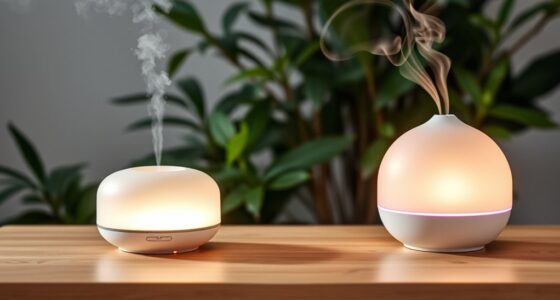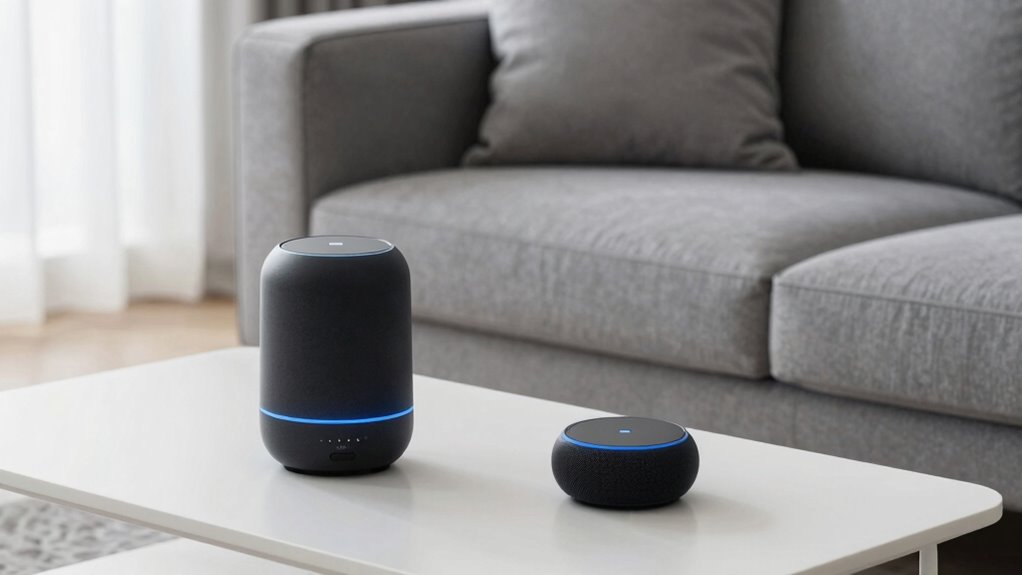

To make diffuser control hands-free with Alexa, first confirm your diffuser is compatible and connect it to your Wi-Fi during setup. Use the Alexa app to add the device and assign it a simple name. Then, create routines or schedule it to turn on automatically, and use voice commands like “Alexa, turn on the diffuser.” By syncing your diffuser with Alexa’s routines, you can enjoy effortless control. Keep exploring to discover even more smart home integration tips.
Key Takeaways
- Confirm diffuser compatibility with Alexa and set it up via the Alexa app for seamless control.
- Connect the diffuser to Wi-Fi during initial setup and assign a recognizable device name.
- Use simple voice commands like “Alexa, turn on the diffuser” for hands-free operation.
- Schedule routines in the Alexa app to automate diffuser activation without manual effort.
- Integrate the diffuser with other smart devices for a cohesive, voice-controlled home environment.

Have you ever wished you could stay connected or complete tasks without constantly holding your phone or device in your hands? If so, setting up Alexa diffuser control can make your life easier and more convenient. By leveraging voice commands and smart home integration, you can effortlessly manage your diffuser without interrupting your daily routines. This hands-free approach simplifies your environment, allowing you to create a calming atmosphere with minimal effort.
First, confirm your diffuser is compatible with Alexa. Many modern diffusers are designed with smart home integration in mind, so check the product specifications or packaging. Once you’ve verified compatibility, you’ll need to connect your diffuser to your Wi-Fi network and set it up within the Alexa app. This process is straightforward: open the app, navigate to the devices section, and follow the prompts to add a new device. During setup, you’ll likely be prompted to link your diffuser to your Wi-Fi and assign it a recognizable name, such as “Living Room Diffuser.”
Once your diffuser is connected through the Alexa app, you can start using voice commands to control it. Simply say, “Alexa, turn on the diffuser,” or “Alexa, set the diffuser to low,” and your device responds instantly. This hands-free control not only saves you time but also reduces the need to physically interact with the diffuser, which can be especially handy when your hands are full or you’re relaxing. Additionally, you can automate your diffuser to turn on or off at specific times, integrating it into your daily routines seamlessly. For example, you might set it to activate each morning or during your evening wind-down, creating a consistent, soothing environment.
Smart home integration also opens the door to connecting your diffuser with other devices. You could, for instance, create routines that activate your diffuser alongside your smart lights or play calming music through smart speakers. The key is to explore your Alexa app’s routines and automation features, customizing them to suit your lifestyle. By doing so, you turn your home into a cohesive, voice-controlled sanctuary that responds effortlessly whenever you call upon it. Additionally, understanding smart home compatibility can help you optimize your setup for a truly integrated experience.

ASAKUKI Smart Wi-Fi Essential Oil Diffuser, App and Voice Control Compatible with Alexa, 500ml Aromatherapy Humidifier for Relaxing Atmosphere in Home Office Bedroom (Light Brown)
SMART WI-FI TECHNOLOGY: This incredible essential oil diffuser uses the latest technology so you can perfectly control it…
As an affiliate, we earn on qualifying purchases.
As an affiliate, we earn on qualifying purchases.
Frequently Asked Questions
Can I Control Multiple Diffusers With Alexa Simultaneously?
Yes, you can control multiple diffusers with Alexa simultaneously. To do this, you need to set up each diffuser as a separate device in your Alexa app. Then, create a multi diffuser group, allowing you to manage all your diffusers at once. Once set up, you can give commands like “Alexa, turn on the diffusers,” and enjoy seamless simultaneous control of your multi diffuser setup.
Is There a Way to Set Schedules for Diffuser Operation?
You can definitely set schedules for diffuser operation using Alexa, turning routine into relaxation. Think of diffuser scheduling as your personal wellness planner, automating your favorite scents at specific times. With Alexa’s automation routines, you control when your diffuser turns on or off, ensuring your space is always inviting without manual effort. Just create a routine in the Alexa app, and your diffuser will follow the rhythm you set.
Does Diffuser Control Work With Other Smart Home Systems?
Yes, diffuser control can work with other smart home systems, but it depends on the device’s smart home compatibility. You can often achieve seamless diffuser integration by connecting it via compatible platforms like Google Home or Apple HomeKit. Just guarantee your diffuser supports these systems or works with compatible smart hubs. This way, you can easily control your diffuser across multiple smart home devices, increasing convenience and automation.
How Secure Is My Voice Command Data When Using Alexa?
Did you know that over 70% of smart device users worry about voice privacy? When you use Alexa, your voice command data is protected through data encryption, which keeps your information secure from unauthorized access. While no system is completely invulnerable, Amazon continuously updates its security measures to safeguard your voice privacy, giving you peace of mind while enjoying hands-free control of your diffuser and other smart devices.
What Should I Do if Alexa Doesn’t Recognize My Diffuser Commands?
If Alexa doesn’t recognize your diffuser commands, start troubleshooting voice commands by checking if your diffuser is compatible with Alexa. Confirm your device is properly connected and set up in the Alexa app. You might need to re-link the skill or update your device’s firmware. Speak clearly and use specific commands. If issues persist, restart your diffuser and reconfigure the connection to improve recognition and control.
ASAKUKI Smart Wi-Fi Essential Oil Diffuser, App and Voice Control Compatible with Alexa, 500ml Aromatherapy Humidifier for Relaxing Atmosphere in Home Office Bedroom (Light Brown)
SMART WI-FI TECHNOLOGY: This incredible essential oil diffuser uses the latest technology so you can perfectly control it…
As an affiliate, we earn on qualifying purchases.
As an affiliate, we earn on qualifying purchases.
Conclusion
Setting up Alexa diffuser control is quick and simple, so you can enjoy hands-free aromatherapy without any hassle. Some might worry about technical difficulties, but with clear instructions, you’ll find it easy to get everything working smoothly. Once set up, you’ll appreciate the convenience of voice control whenever you want a calming environment. Don’t let the fear of complexity hold you back—embrace the simplicity and start enjoying a more relaxing, hands-free experience today.
ASAKUKI Smart Wi-Fi Essential Oil Diffuser, App and Voice Control Compatible with Alexa, 500ml Aromatherapy Humidifier for Relaxing Atmosphere in Home Office Bedroom (Light Brown)
SMART WI-FI TECHNOLOGY: This incredible essential oil diffuser uses the latest technology so you can perfectly control it…
As an affiliate, we earn on qualifying purchases.
As an affiliate, we earn on qualifying purchases.
ASAKUKI Smart Wi-Fi Essential Oil Diffuser, App and Voice Control Compatible with Alexa, 500ml Aromatherapy Humidifier for Relaxing Atmosphere in Home Office Bedroom (Light Brown)
SMART WI-FI TECHNOLOGY: This incredible essential oil diffuser uses the latest technology so you can perfectly control it…
As an affiliate, we earn on qualifying purchases.
As an affiliate, we earn on qualifying purchases.