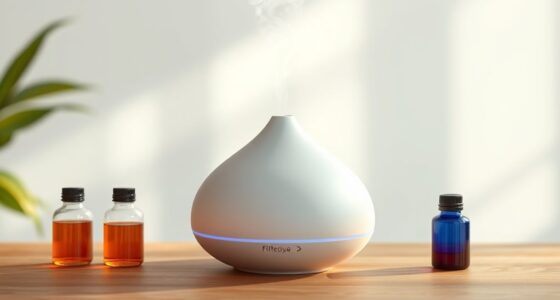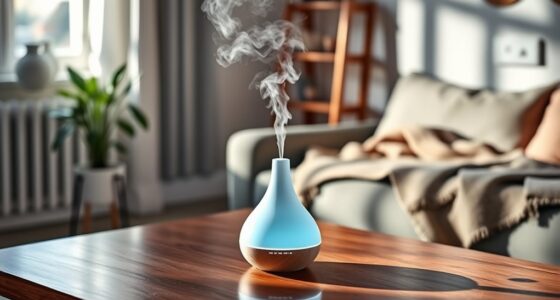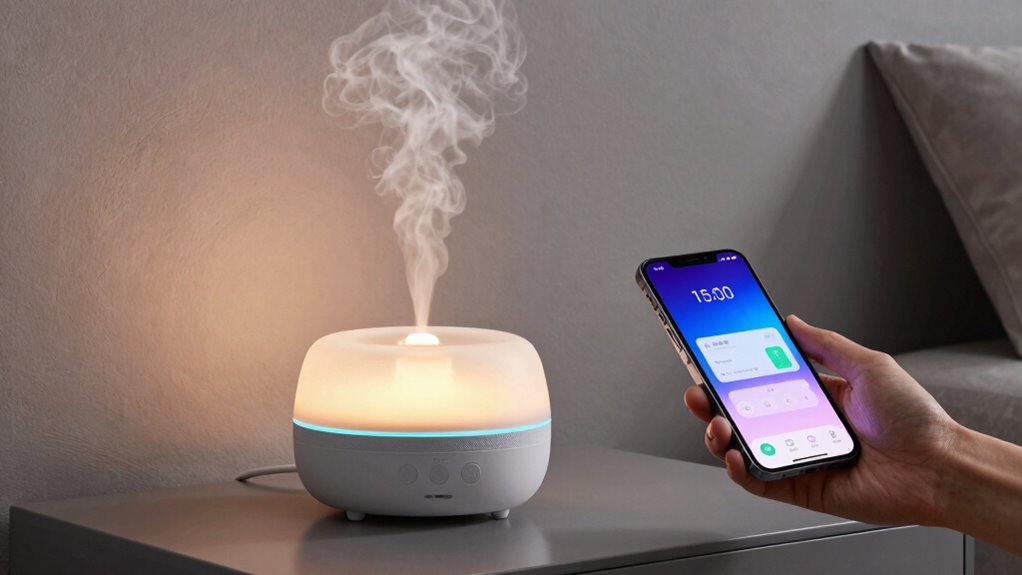

Choosing between a remote control diffuser and app control depends on your preferences. A remote offers quick, straightforward adjustments without much setup, making it ideal if you value simplicity and instant access. An app provides more customization, scheduling options, and remote management but might require more setup and a stable Wi-Fi connection. Voice activation adds hands-free convenience. To find out which suits your lifestyle best, discover the key differences that follow.
Key Takeaways
- Remote controls offer quick, reliable manual operation without internet dependence, ideal for immediate adjustments.
- Apps provide advanced features like scheduling, remote access, and smart home integration for customization.
- Voice activation enables hands-free control, enhancing accessibility and convenience for various users.
- Manual remotes are simpler and require minimal setup, while app control involves more initial configuration.
- App control is better suited for managing multiple diffusers and automation, whereas remote controls excel for straightforward use.
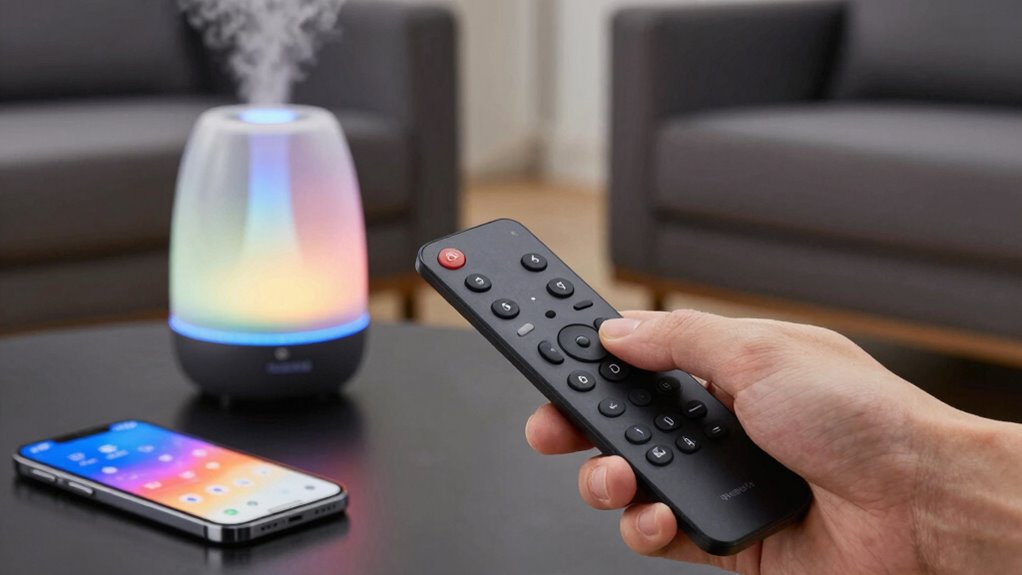
When choosing a diffuser for your home or office, you might wonder whether a remote control or a dedicated app offers the best experience. Both options aim to make your life easier, but they do so in different ways. If you prefer quick adjustments with minimal fuss, a remote control might be your best bet. It allows for manual operation, giving you the ability to turn the diffuser on or off, change settings, or adjust mist intensity with the press of a button. This physical device is straightforward and doesn’t require any setup beyond initial pairing, making it convenient if you want simple control without steering through apps or menus.
On the other hand, an app offers a more sophisticated experience, especially if you like customizing settings or managing multiple devices. With an app, you can often schedule diffusing times, set up aromatherapy routines, or even control your diffuser remotely when you’re away from home. Voice activation is another feature that many app-controlled diffusers support, allowing you to operate your diffuser hands-free by speaking commands. This can be especially handy when you’re busy or relaxing and don’t want to reach for a remote or smartphone. Voice activation also enhances accessibility, making it easier for everyone in your household to use the diffuser effortlessly.
An app allows scheduling, remote control, and voice activation for a smarter, more customizable diffuser experience.
However, there are some trade-offs. Manual operation via a remote control is usually more reliable in terms of instant response, especially if your Wi-Fi connection is unstable, which can hinder app performance. Remote controls are generally simple to use, but they lack the advanced features that an app can provide, such as scheduling or integrating with smart home systems. Conversely, app control offers greater flexibility but requires a compatible device, a stable internet connection, and sometimes more time to set up and learn the interface. If you’re tech-savvy, the app’s customization options can notably enhance your experience, but if you prefer straightforward operation, a remote might be less frustrating. Additionally, many modern diffusers incorporate European cloud servers to ensure secure and sustainable operation, which can be an advantage for tech-conscious users.
Ultimately, your choice depends on your lifestyle and preferences. If you value simplicity and immediate manual operation, a remote control with voice activation support may suit you best. If you enjoy managing settings from afar or integrating your diffuser into a smart home ecosystem, an app-controlled diffuser with voice activation features will likely serve you better. Both options aim to improve convenience, but understanding their differences helps you select the one that fits your routine perfectly.
Frequently Asked Questions
Which Option Offers Better Long-Term Durability?
You’ll find the remote control diffuser typically offers better long-term durability because it has fewer electronic parts susceptible to failure. With device compatibility, it remains straightforward and easy to maintain, reducing the chances of issues over time. App-controlled diffusers might require more maintenance due to software updates and potential connectivity problems, which could affect their longevity. So, if durability is your priority, the remote control option is generally more reliable for long-term use.
Can Both Methods Be Used Simultaneously?
Using both methods together is like having a toolbox with a screwdriver and a wrench—you get more flexibility. You can switch between manual operation and app control easily, enhancing user convenience. This allows you to quickly adjust settings with a remote or fine-tune via the app. The combination lets you enjoy seamless operation and greater control, making your diffuser experience more adaptable and user-friendly.
Are There Differences in Energy Consumption?
Using the remote control generally consumes less energy because it operates with minimal power, making it more energy-efficient for quick adjustments. In contrast, app control might use slightly more power due to Wi-Fi or Bluetooth connectivity. However, overall, both methods are designed to optimize power consumption, so your diffuser’s energy efficiency remains high. Choose the remote for quick, low-energy adjustments and the app if you prefer more control with minimal impact on power consumption.
How Secure Are App-Controlled Systems?
Securely safeguarding your system, app-controlled diffusers focus on firewall filters and encryption, but privacy concerns and hacking risks still exist. You could face potential breaches if security measures falter. While app controls offer convenience, they can expose personal data or allow unauthorized access. To protect your privacy, use strong passwords, keep software updated, and choose trusted apps. Staying vigilant helps minimize risks and ensures your diffuser remains both dynamic and secure.
Do Both Options Require Wi-Fi Connectivity?
Both options typically require Wi-Fi connectivity, so you’ll need a stable Internet connection. The app control relies heavily on Wi-Fi dependency, meaning if your Wi-Fi is unstable, your diffuser might not respond promptly. On the other hand, remote controls often work via Bluetooth or infrared, which may not need Wi-Fi, offering more consistent operation in areas with poor connectivity. Confirm your Wi-Fi is reliable for seamless app control.
Conclusion
Whether you prefer the simplicity of a remote or the savvy of an app, both options deliver delight and convenience. Consider your comfort, control, and customization needs as you choose. With a remote, you get straightforward, on-the-spot soothing. Meanwhile, an app offers savvy synchronization and seamless scheduling. Whichever you pick, you’ll enjoy a stress-free, scent-sational experience that transforms your space. Make your choice, master your mood, and marvel at the magic within your fingertips.